
The biometric job you lose usually isn’t lost at the door. It’s lost in a conference room three weeks after the walkthrough, when someone from legal asks where the face data goes and nobody in the room has a clean answer.
That pause costs more deals than any spec sheet ever has. And it is almost always caused by two different technologies sharing one word.
Two Technologies, One Word
Facial recognition scans a face and searches a large population for a match. It is built for surveillance and general identification in public or high-traffic spaces. By design, it does not depend on the person’s participation.
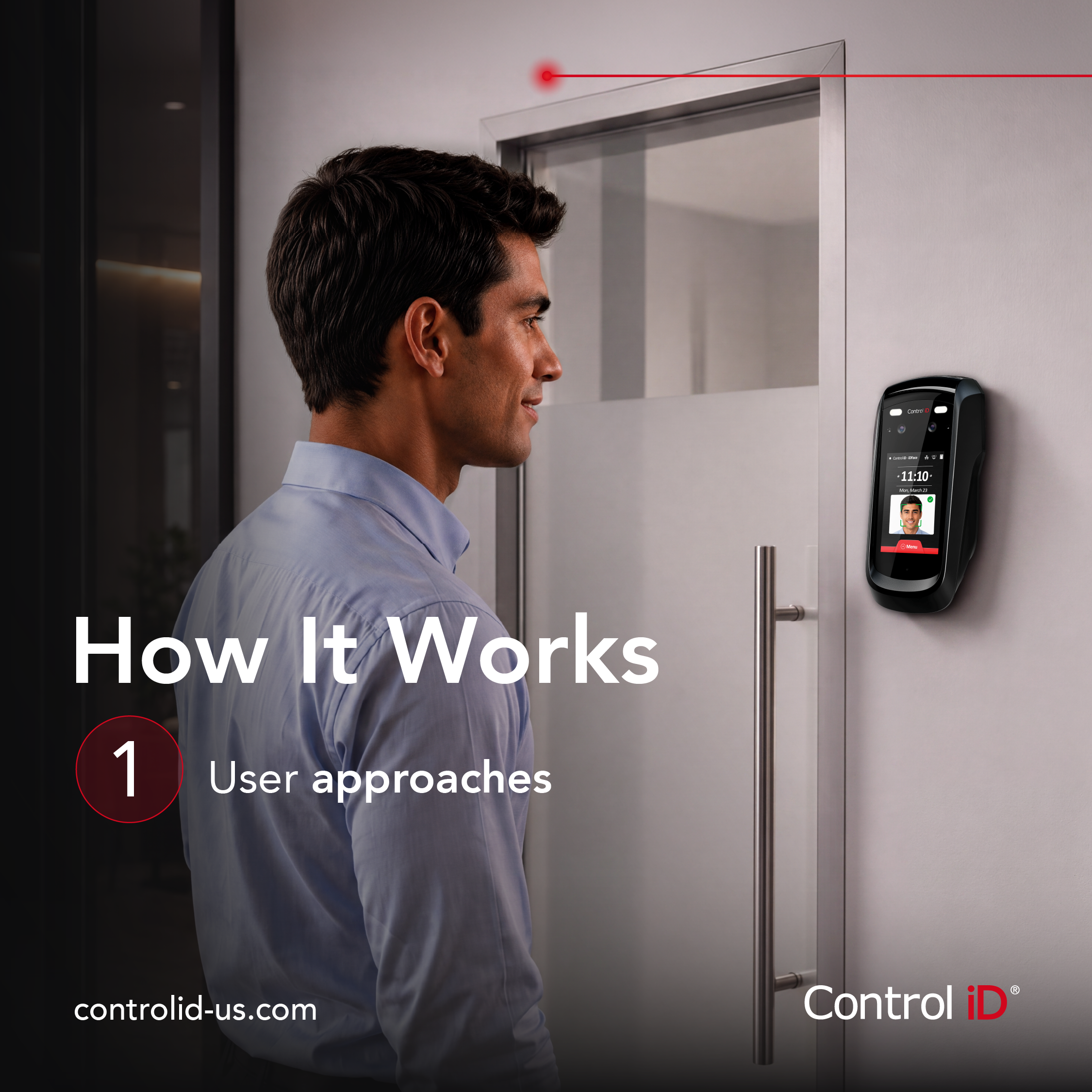
Facial identification does something much narrower. It compares the person standing at the reader against one credential already enrolled in a defined database, with that person’s consent to be enrolled. It answers a single question: is this the individual we authorized for this door?
Same phrase in a headline. Very different systems in a building.
This matters because when a facilities director or a general counsel says “we are not putting facial recognition in the lobby,” they are almost always objecting to the first definition. You are proposing the second. If you cannot clearly explain the difference, the objection stands and the project could be lost.
What Actually Gets Stored?
The next question is usually some version of “so you’re keeping photos of my employees?” Generally, the answer to this is “No,” but this is where most integrators leave leverage on the table. With Control iD’s iDFace Series, storage is not a fixed property of the technology — it is a configuration decision, and knowing the options changes the conversation.
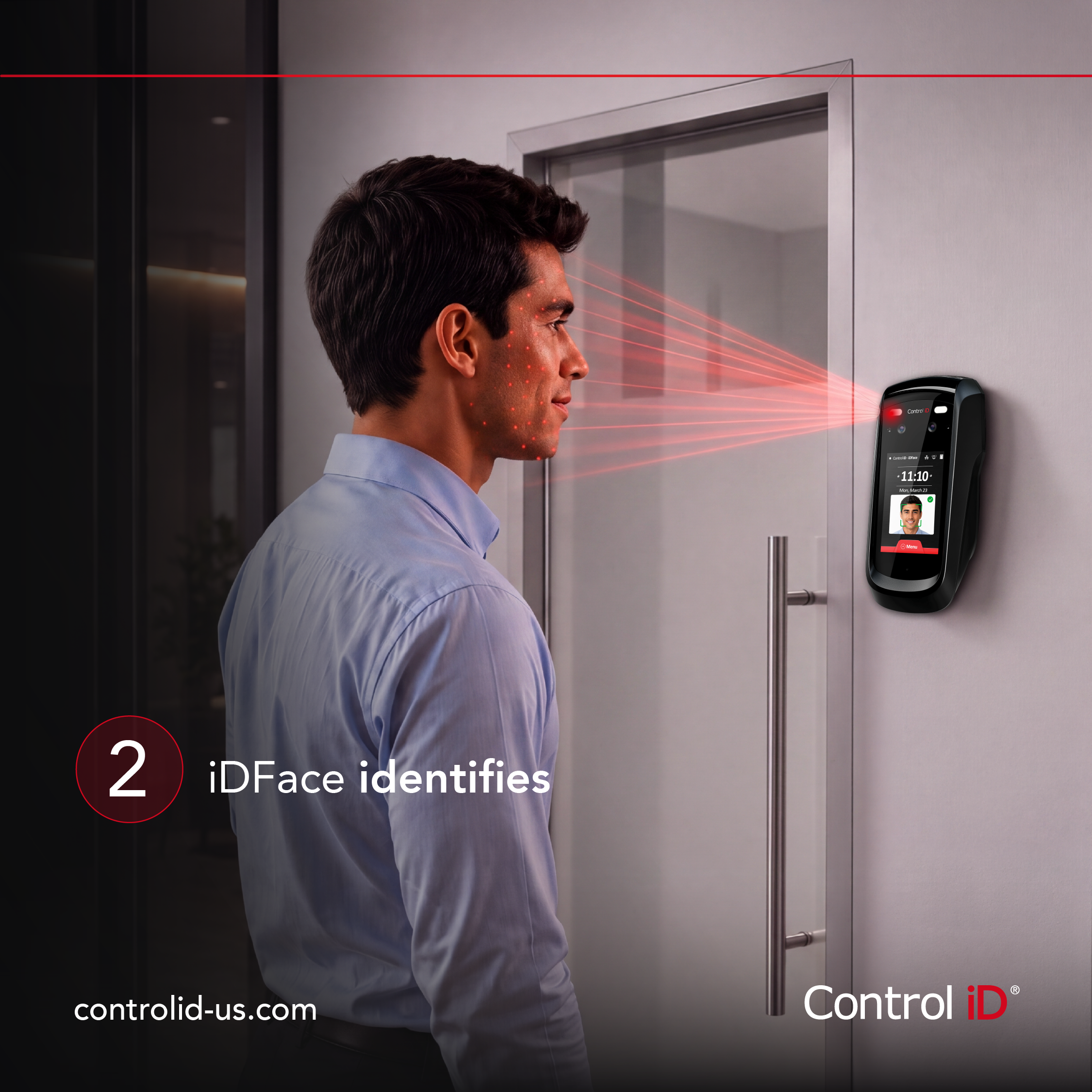
Photo and template. The device retains the enrollment image alongside the template. Useful when the customer wants a visual audit trail.
Template only. The photo is used to enroll and is never written to memory. Only the template persists on the device.
Template on card. The template is written to the user’s own RFID credential and no biometric data is stored on the device at all. To get through the door the person presents their card, and the reader confirms that whoever is standing there matches the template on that card.
The third option changes the shape of the objection entirely. The building is not holding a biometric database, because there isn’t one. The credential holder carries their own biometric data and remains its sole owner. For a customer whose hesitation is really about custody and liability, that is often the whole conversation.
What Is A Template Anyway?
When someone is enrolled on an iDFace Max or iDFace Pro, the device takes a photo and measures various data points such as the distance between the eyes, the proportions of cheekbones, jawline and other features, essentially creating a map of the person’s face. The map is then converted to a list of numbers and saved in a small file called a template. The template is the only thing the device compares against when you walk up to the door.
Two additional pieces of information are worth saying out loud in the meeting.
A template cannot be turned back into a face; there is not enough information left in the template to rebuild the picture.
A template cannot be checked against a driver’s license database, a national registry or anyone else’s system, because the numbers only mean something to the system that wrote them.
The single purpose of the template is to confirm a person at a door is authorized to open it. Not every reader on the market solves it the same way. The iDFace Series runs on Paravision algorithms, which are independently evaluated by the National Institute of Standards and Technology — the benchmark your customer’s security consultant is most likely to ask about.
Bring The Compliance Conversation, Don’t Wait For It


Several states regulate biometric collection, and the requirements are not identical. Illinois, Texas, Washington and Colorado all have biometric privacy statutes on the books, and more legislatures keep looking at the question. Which obligations attach to your customer is a determination for their counsel, not for you or for us.
What you control is whether you arrive with answers. Walk in able to state, in writing, what is collected, where it resides, who owns it, how consent is captured and timestamped and what happens on deletion. That turns a legal review from a roadblock into a checklist.
It also means one reader line can serve very different customers. A school district and a manufacturing plant may land on different storage modes for entirely legitimate reasons. Specifying a device that supports all three lets you follow the customer’s risk posture instead of arguing with it.
Five Questions For Your Next Walkthrough
Does anything about a person’s face need to live on our equipment at all?
Who owns the biometric data — the building, or the person?
How is enrollment consent captured, and is it documented with a timestamp?
What is the deletion process when someone leaves?
Does this need to report to the access platform already installed, or stand on its own?
Answer those five and the technology discussion gets easy. Skip them and you will be re-explaining the same misunderstanding at every stage of the sale.
Biometrics at the door stopped being a hardware question a while ago. The hardware works. What decides the job now is data — who holds it, for how long and on whose behalf. The integrators winning these projects are the ones who can run that conversation without flinching.

Written by Ben Williams
Ben Williams has spent almost 20 years in the security industry, building deep expertise in access control and locking hardware from nearly every side of the business. He has worked as a systems integrator, an independent rep and a manufacturer’s rep, which gives him a rare end-to-end view of how security solutions are specified, sold and installed. At ASSA ABLOY, he served as a field sales engineer, national specification manager for electronic access control and program manager for A&E services before moving into product management. Today, he leads product development and strategy for a portfolio of ASSA ABLOY brands: Adams Rite, Alarm Controls, Control iD, HES, LifeSafety Power, Pedestal Pro and Securitron.
Ben has also helped shape the standards the industry relies on, playing a key role in many of the CSI Division 08 and 28 updates still in use today. He has contributed to the access control and locking hardware sections of the PSP and BICSI ESS training manuals.
Outside of work, Ben lives in Phoenix, Arizona, with his wife, Brittani, and their two children, Parker and Scarlett. He and his son, Parker, are taking part in a two-year pilot program with Arizona State University and the Chandler School District that introduces high school students to the fast-growing field of cybersecurity. Students get a firsthand look at how organizations across the Phoenix area put cybersecurity into practice, along with mentorship and internship opportunities.